Join 6,727+ iOS/macOS developers using Codex and Claude to build and ship apps. Expect practical tutorials, repeatable workflows, and hard-earned lessons from 7 shipped apps and time at Apple, Microsoft, and GoPro.
I didn't sleep this week (Codex did this)
|
I didn't sleep much this week. Codex was too much fun... just one more prompt... ... then one more ... then it's 1am. You know the feeling. My problem was that I couldn't stop. You might be the opposite: too many app ideas, too many models, and no idea where to start. So pick one thing and push it forward. And if you're overthinking it, this video is for you.
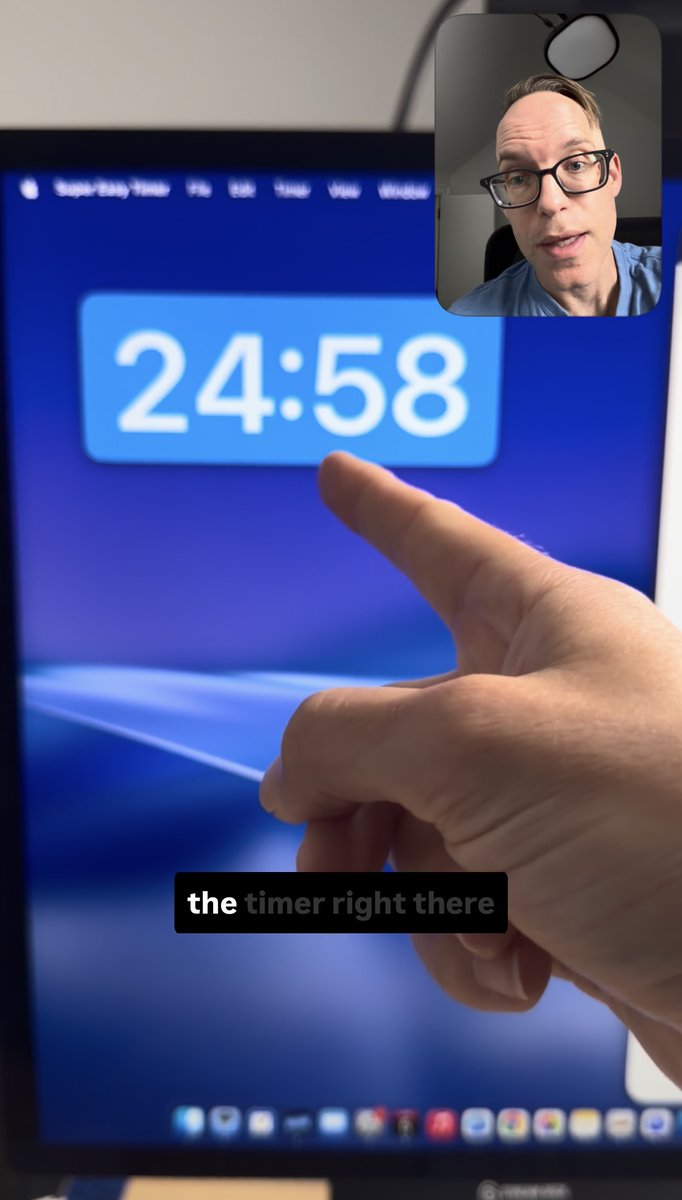
Two people requested Windows support for Super Easy Timer. To test out Codex on Windows, I rebuilt my timer in C# for Windows 11. It took about 5 hours over two days. Previously, I built Windows apps and games, but I never thought I would be doing that again. Super Easy Timer UpdatesI made massive improvements in the Super Easy Timer TestFlight beta. It's almost ready to ship. The new design makes the timer front and center. It can scale up or down to any size.
This week, I also added these features:
Download Super Easy Timer
One thing I like about Codex is that it simplifies product support. I can ask Codex to fix a bug or implement a new feature. Having an intelligent assistant means I can hand off tasks, test them, provide feedback, and ship all in the same day. 5 Links and Resources
Talk soon! Paul Solt
All 7 came from one 60-minute call. If you've shipped an app and you can't tell why it's not getting paying users, bring it to a 1:1, and we'll find what's blocking it → https://calendly.com/paulsolt-super-easy-apps/1-1-app-strategy-session |

Super Easy Apps Weekly - Paul Solt
Join 6,727+ iOS/macOS developers using Codex and Claude to build and ship apps. Expect practical tutorials, repeatable workflows, and hard-earned lessons from 7 shipped apps and time at Apple, Microsoft, and GoPro.
Hey Reader,My Mac app made $7,900+ over 8 years as a paid app. It made $0 in the three months I gave it away for free. Learn why I made it free, what happened, and what I'm charging next. Read the entire article here. I overhauled the UI this year, localized the App Store Page to 46 languages, and then Apple began featuring it on the front page. Super Easy Timer on the front page (Best New Apps and Updates) Did you know? You can nominate your app to Apple for feature consideration. The Free...
Hey Reader, Apple featured Super Easy Timer on the front page of the Mac App Store. 3,158 downloads. $0 revenue. That's on purpose. What got me here? Fixing all the papercuts in the original timer app and creating a better onboarding experience caught Apple's attention. That made them feature my app on the front Discover page and on the Work tab in the Mac App Store. Over the past two months, I made huge improvements to the UI and unlocked the ability to use a timer on top of every single...
Hey Reader, I didn't sleep much last night. I was up pushing Sol to fix things that GPT-5.5 couldn't. I got early access to GPT-5.6 yesterday, and I had agents working on both macOS and iOS apps (and QA tooling). These models are super capable, but they have different strengths and weaknesses. I had them work on SwiftUI for an iPhone app today. Watch: GPT-5.6 vs Fable 5: 4 UIs, Judged Blind, 1 Winner Can you tell which model made each UI? Hint: one is not like the others. Now, we have access...